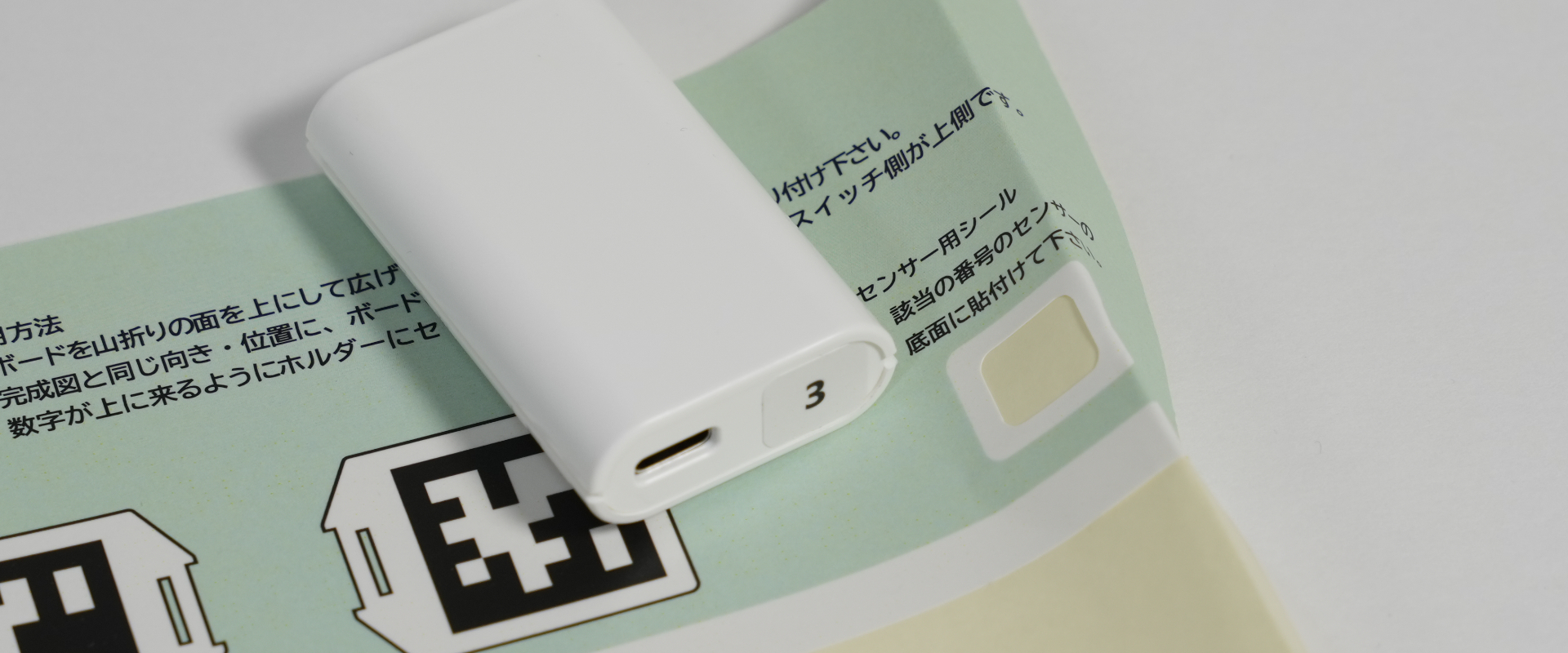
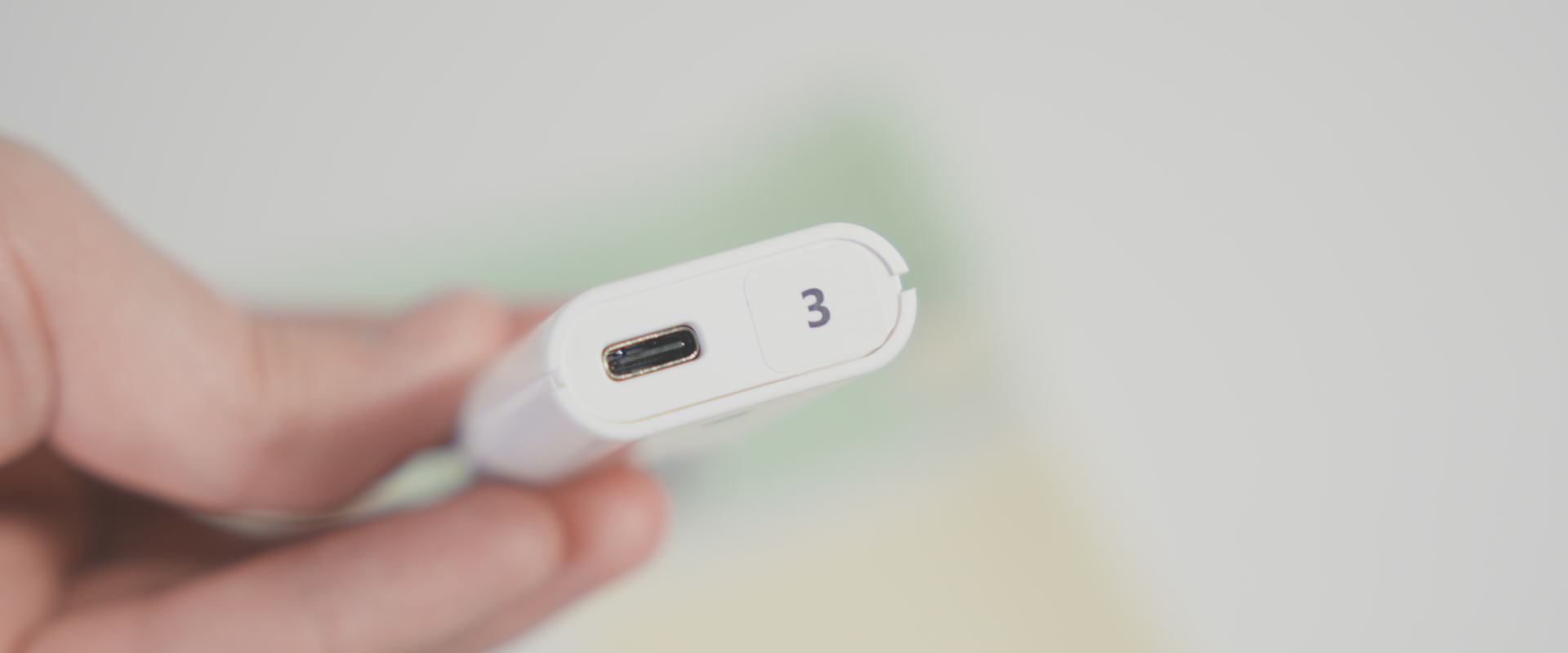
Check the sensor number
The sensors are paired at the factory, but the registration number cannot be determined from their appearance.
Therefore, we will check the number in the software and attach the included numbered sticker to the sensor.
Sensor number check
- Launch Opsens Studio.
- Connect the Opstation to your computer using the included USB Type-C cable.
- On the status display at the top of Opsens Studio, please confirm that
 Opstation is connected.
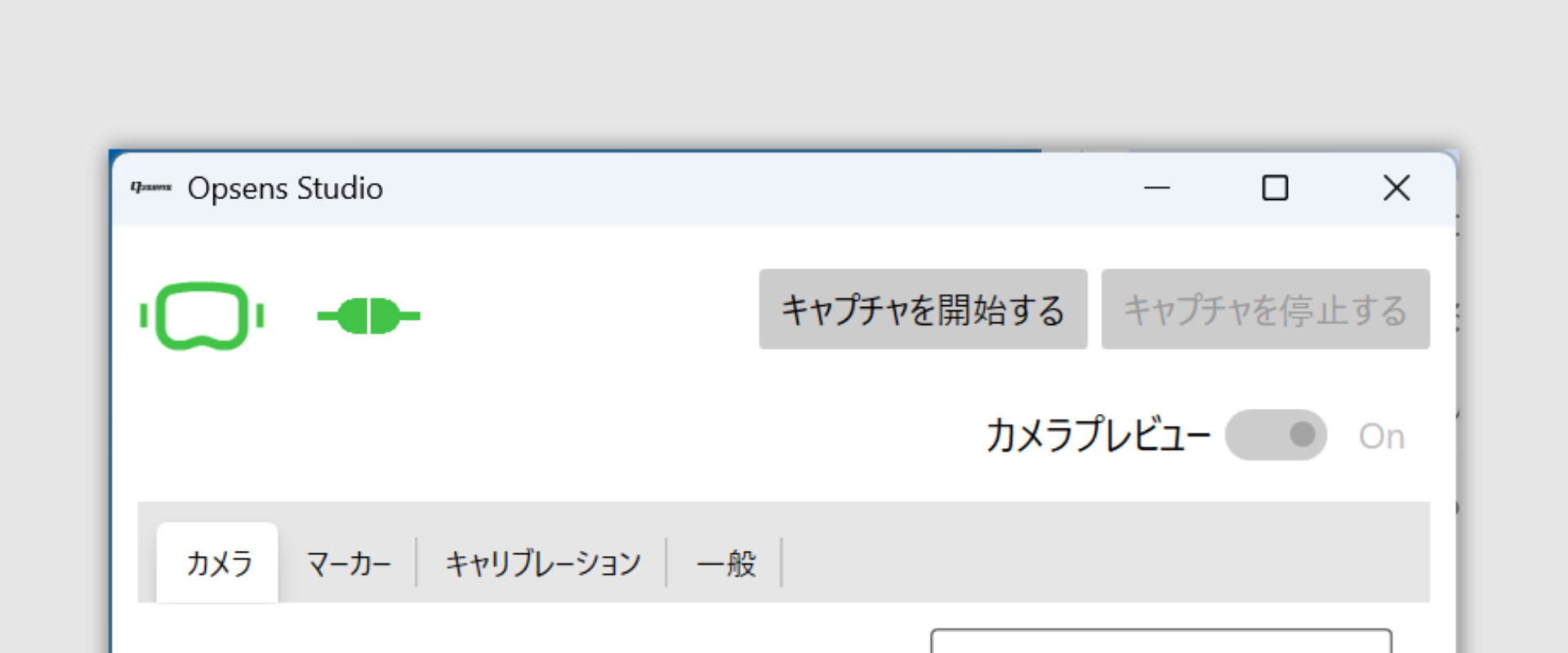
- Turn on the power of the sensor you want to check and confirm its registration number in Opsens Studio.
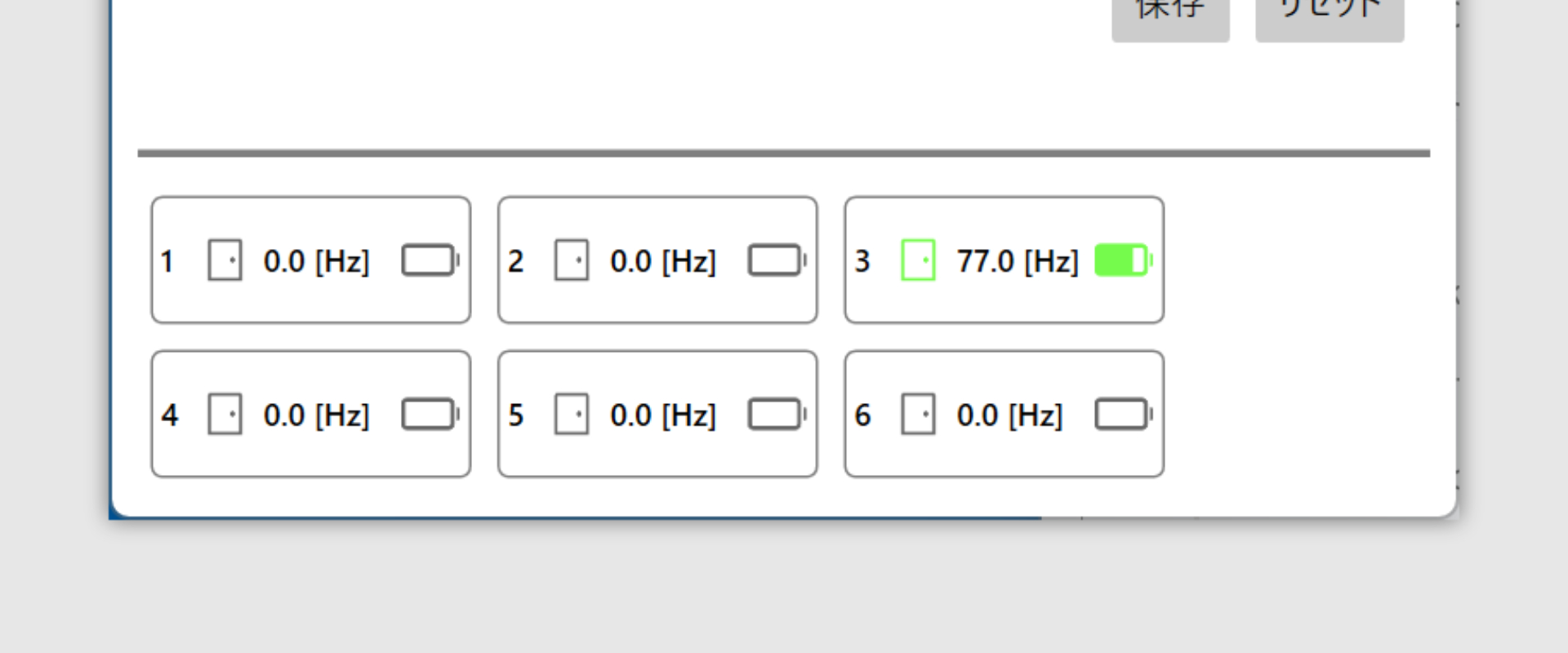 1.Repeat for all sensors.
Attach Number Stickers
Attach the sticker from the sheet to the bottom of the sensor.