Using VR Full-Body Mode
info
To use Opsens in VR, you need a SteamVR environment.
-
Launch SteamVR and ensure your HMD is detected.
-
Launch Opsens-Studio.
-
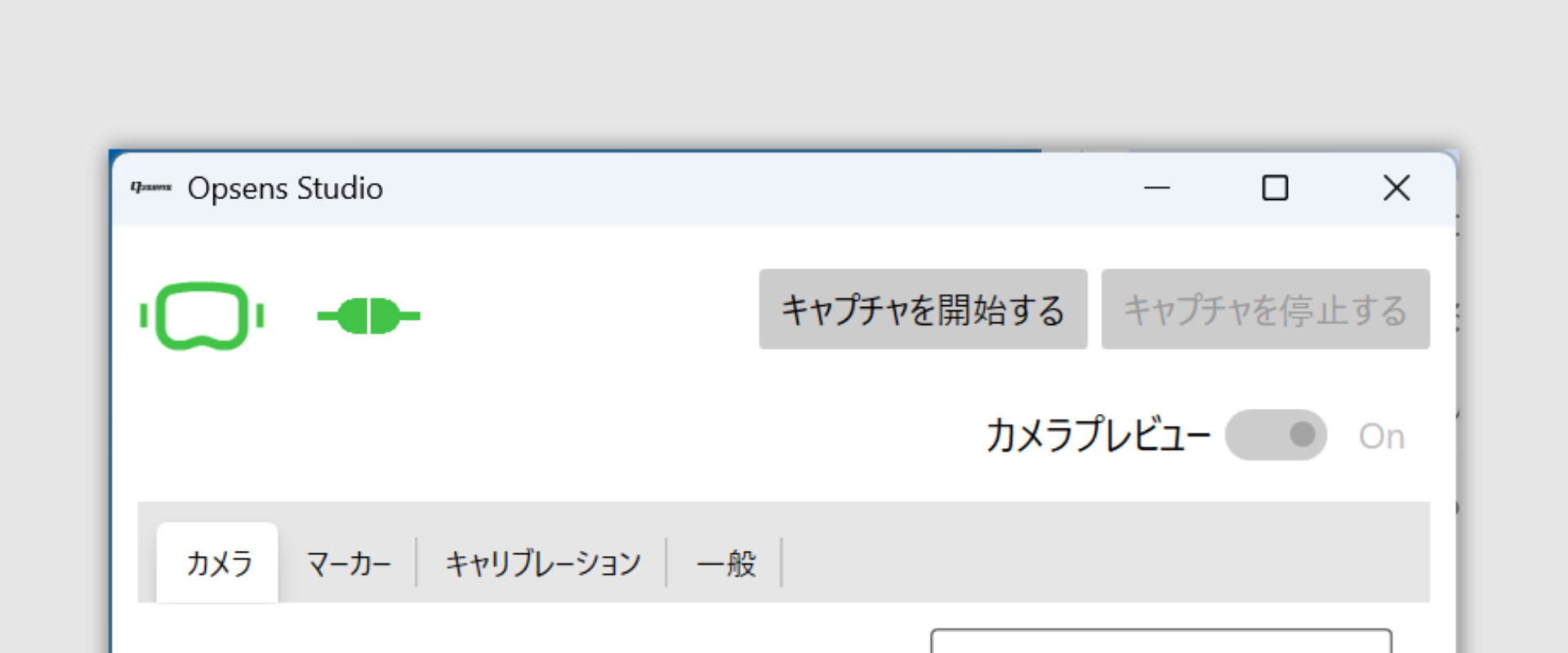
Confirm the HMD icon and Station icons are green.
-
Please select the operation mode.
- Refer to Selecting the Operation Mode.
-
Put on your Opsensors.
- Refer to Selecting the Operation Mode.
-
Perform Auto Spatial Calibration.
- Refer to Perform Spatial Calibration.
-
Run the calibration inside your VR application.