Opsensor


Power On
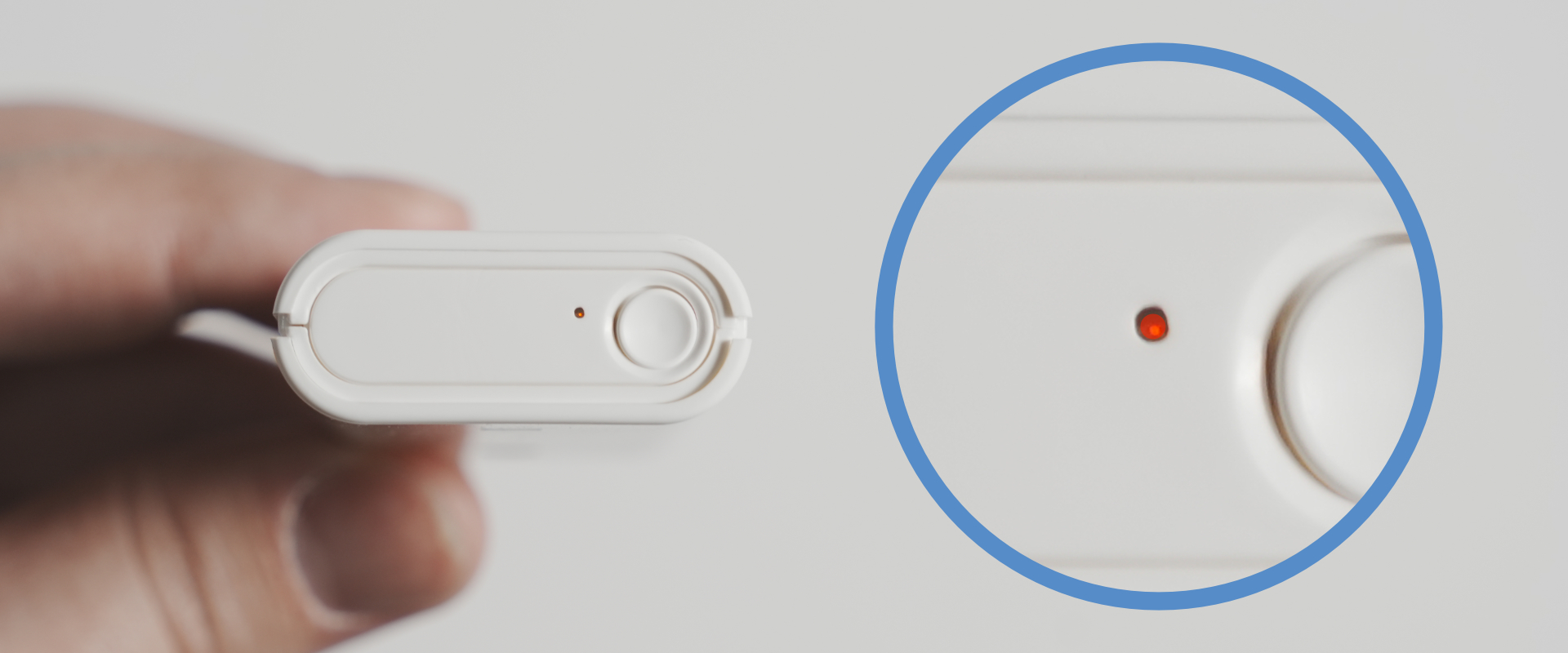
Press the button once. The LED turns red to indicate power on.
Power Off
Press the button again. The LED turns off to indicate power off.
Paring Mode
Hold the button for 3 seconds. The LED will blink to indicate pairing mode.
info
This product is pre-paired at the factory.
Under normal use, this procedure is not required; please perform it only if re-pairing becomes necessary.
Battery Replacement
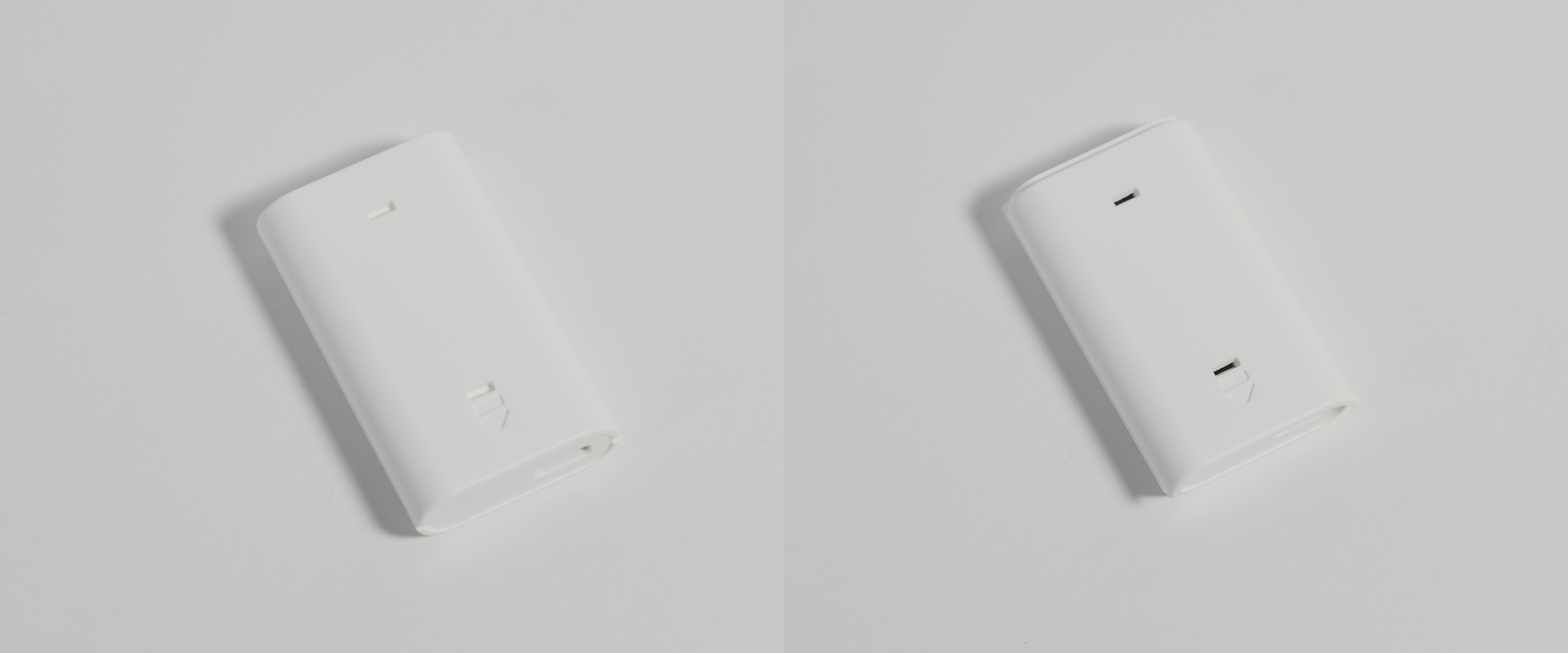
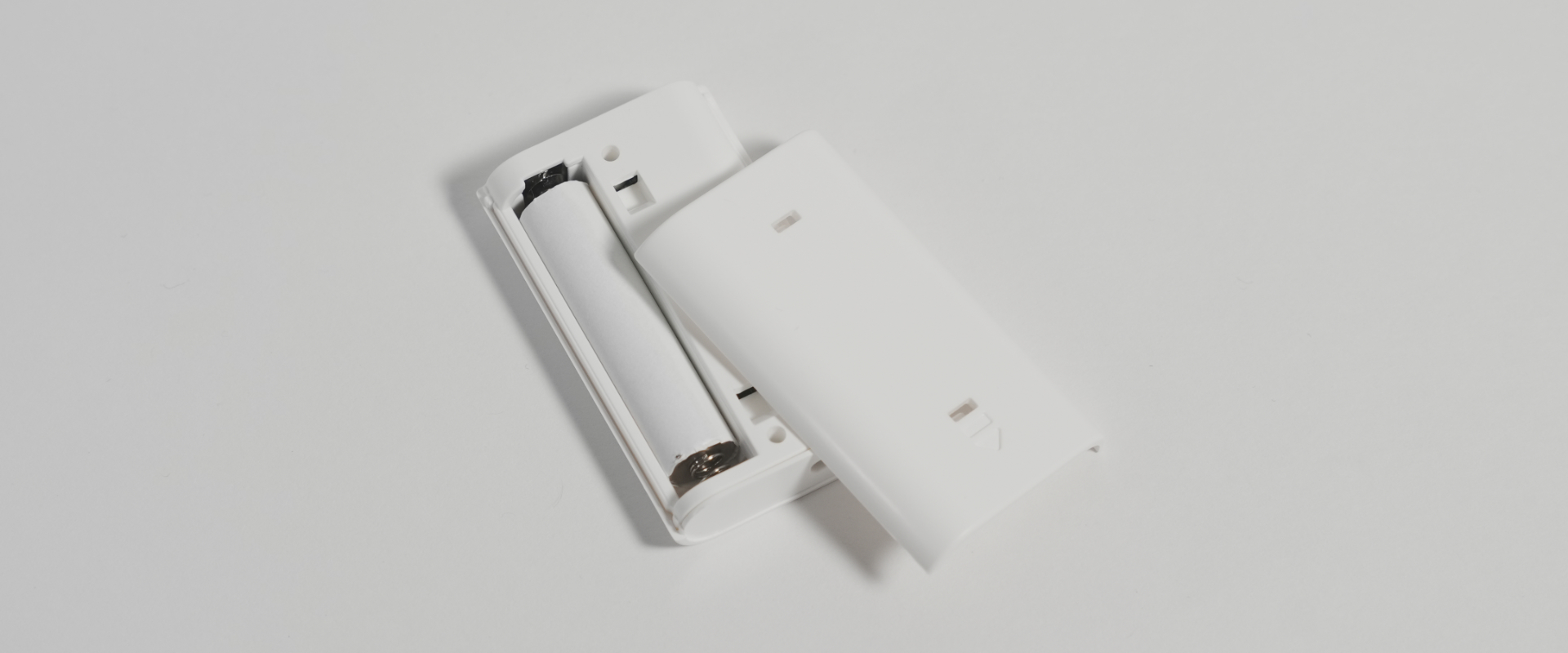
Slide the case in the direction of the arrow engraved on the sensor to open the battery cover. Uses one AAA battery.