Opstation
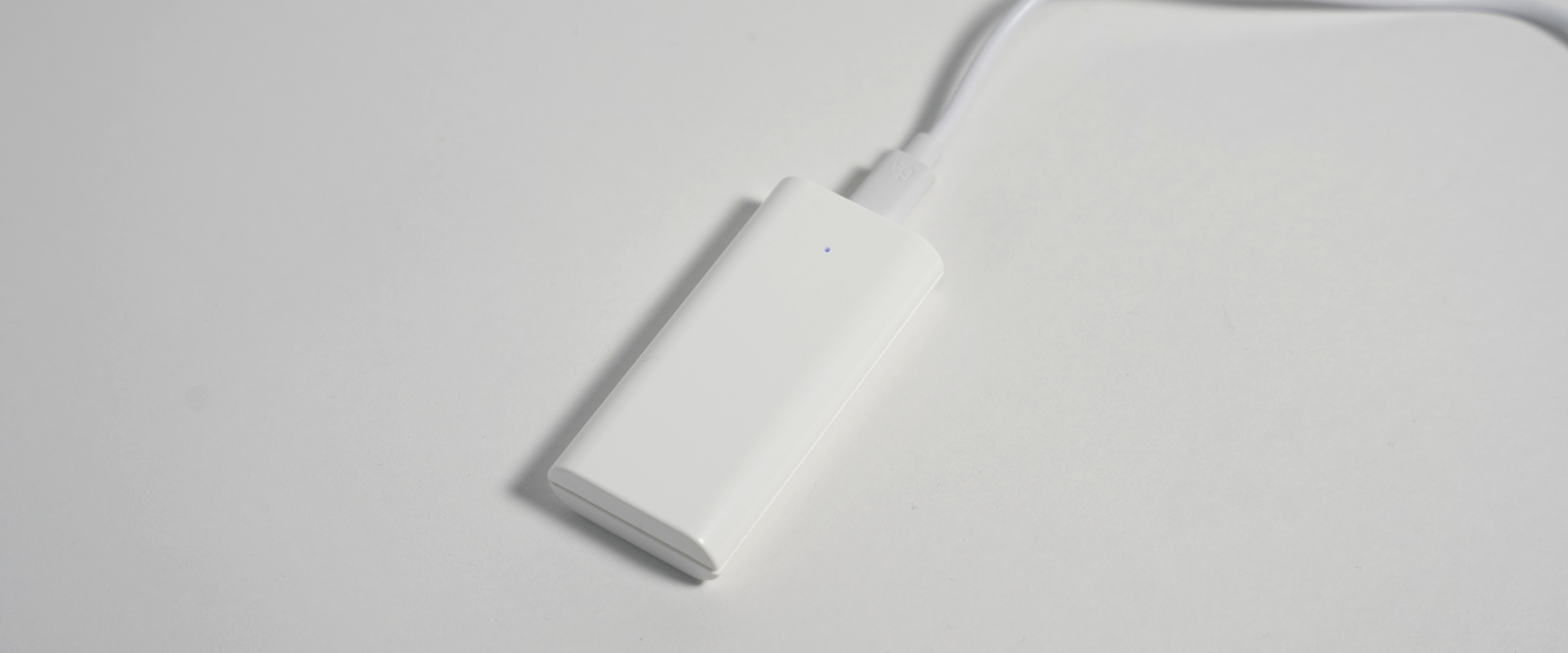
Placement Warnings
Improper placement may cause malfunctions or poor wireless communication.
- Do NOT place it near hot air vents (e.g., PC exhaust).
- Do NOT place it on metal PC cases or metal tables.
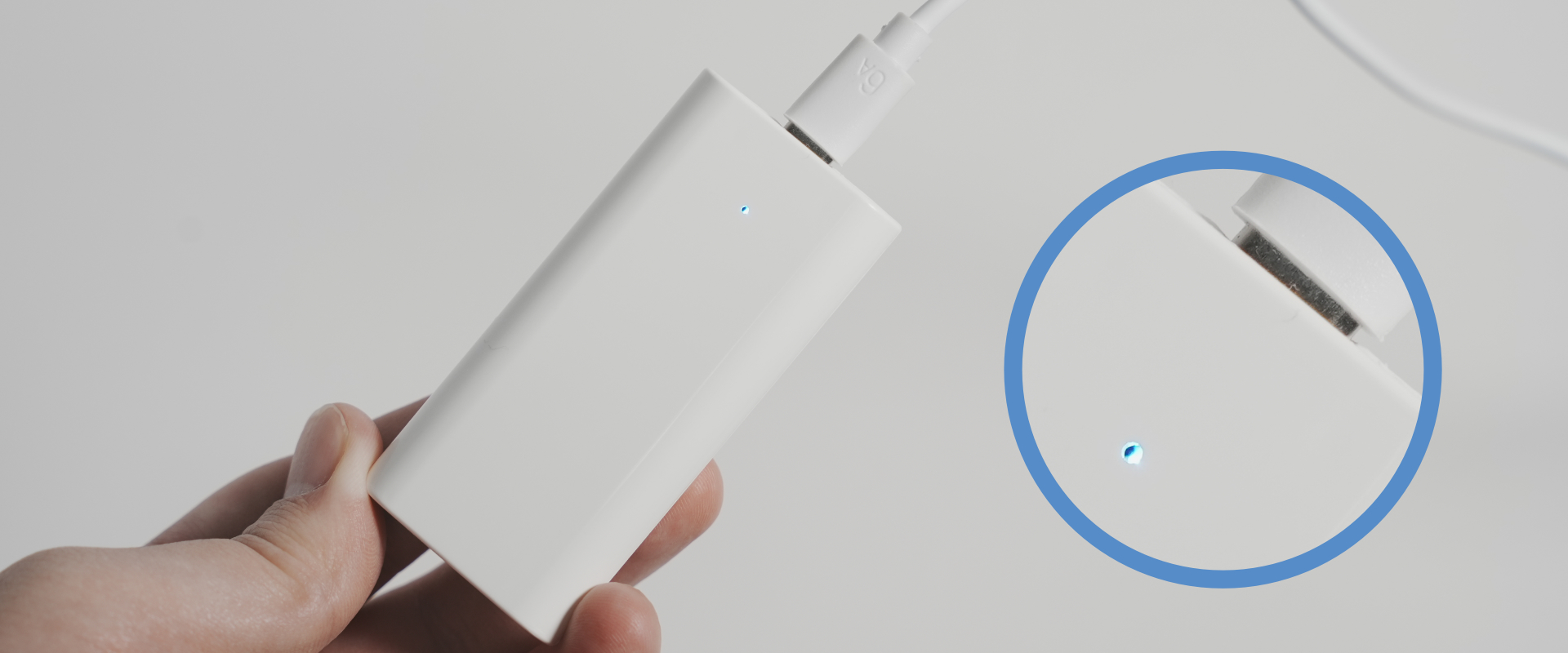
During Communication
- When Opsens Studio is running, Opstation enters communication mode.
- The LED turns blue.
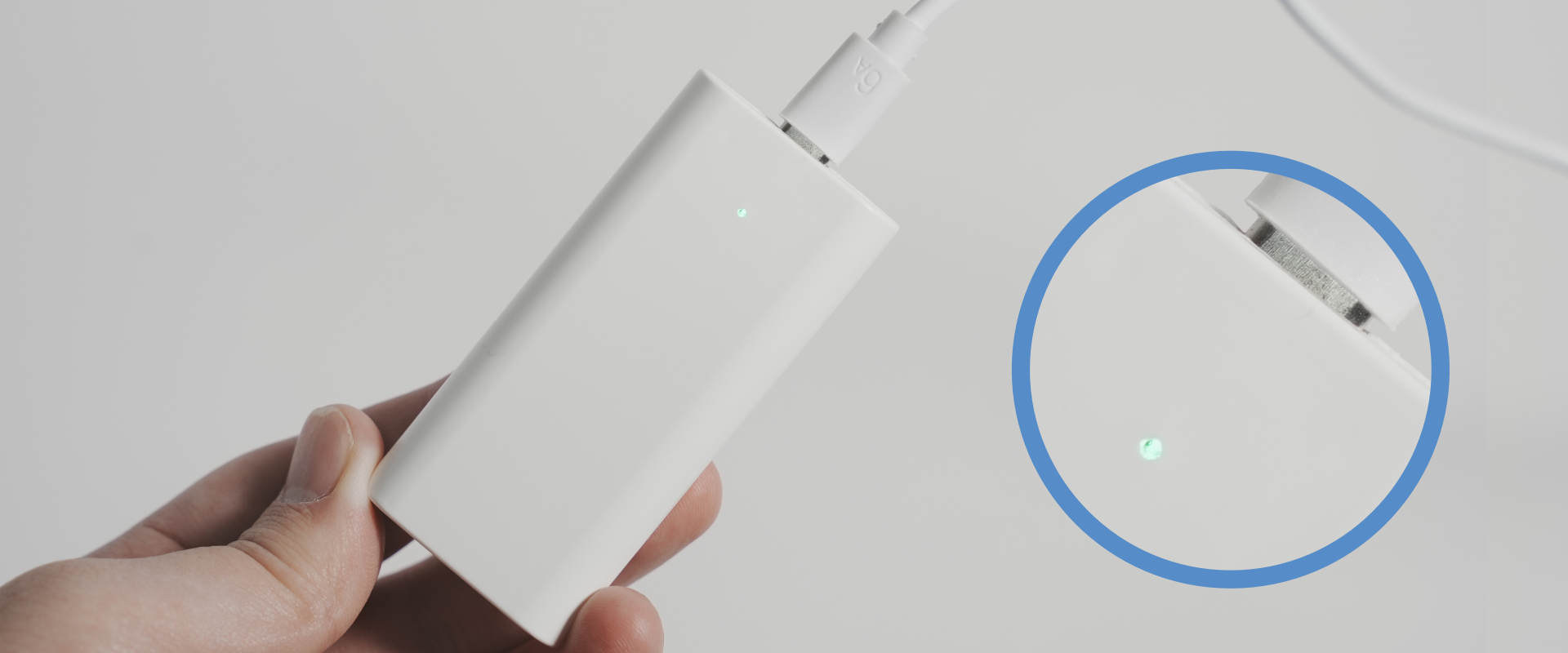
Standby Mode
- If Opsens-Studio is not running, Opstation enters standby after 1 minute.
- The LED lights green.