Camera Calibration
Camera Calibration ensures accurate sensor tracking.
Calibration is required for each resolution setting used with your camera.
Please perform the camera calibration by following the steps below.
-
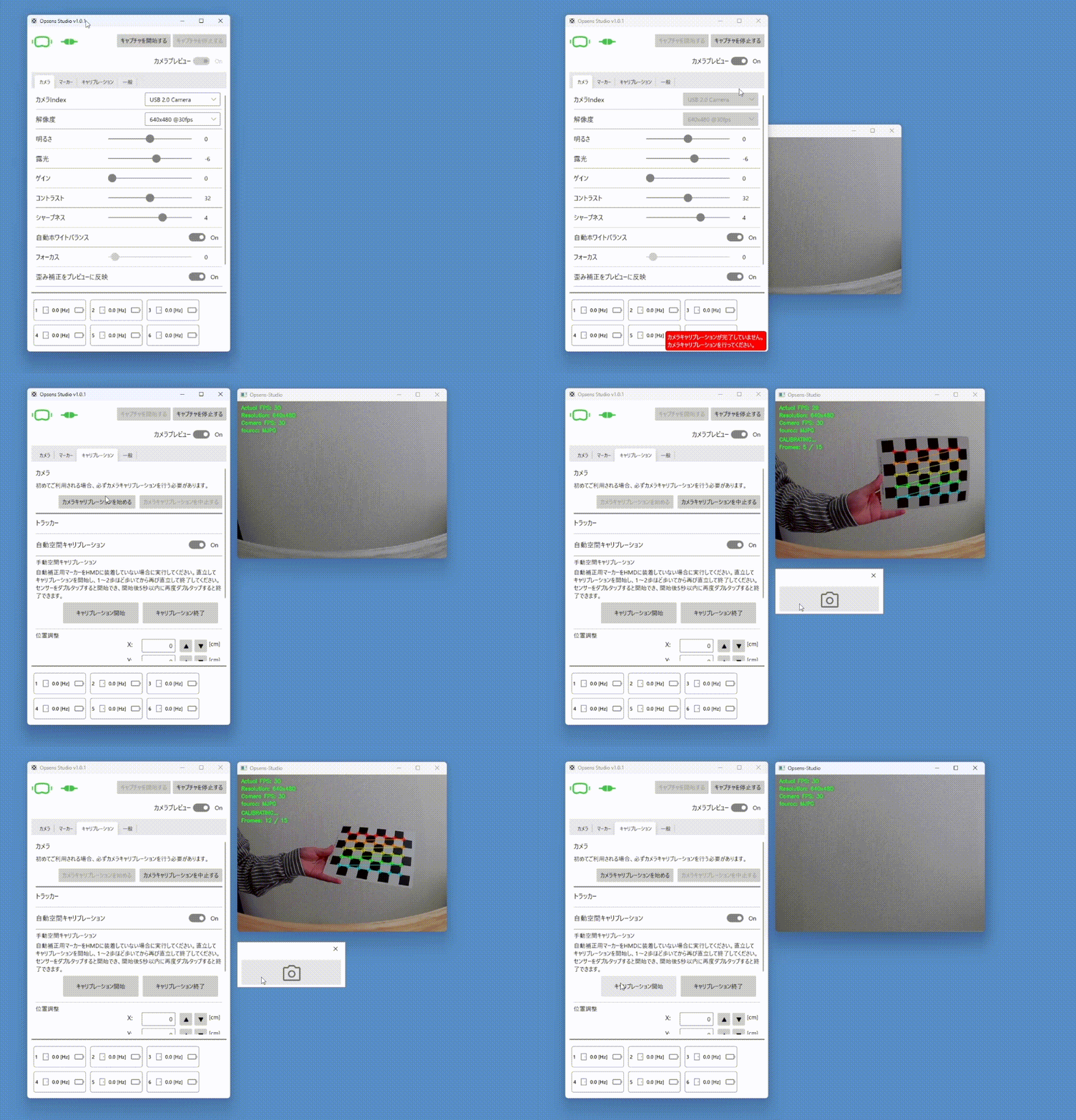
Select your camera and format, then click Start Capture.
-
Go to the Calibration tab and click Start Camera Calibration.
-
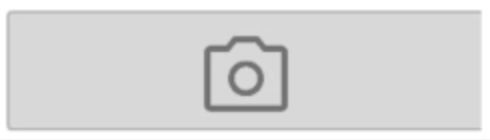
Point the camera at the checkerboard printed on the back of the guide sheet, and press the capture button once it is recognized.
-
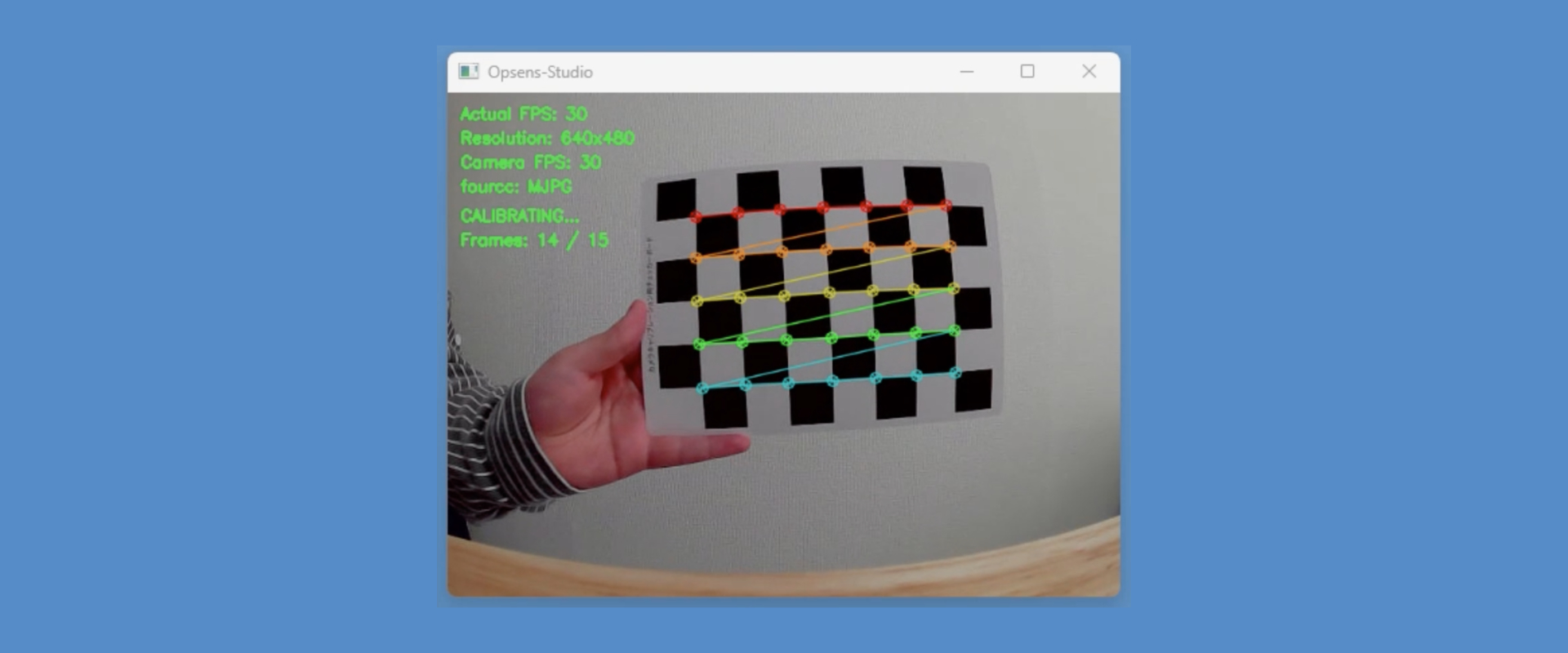
When the camera recognizes the calibration checkerboard, rainbow-colored lines will be drawn over the checkerboard.
-
Capture a total of 15 images. Please change the position and angle so that the checkerboard appears across the entire field of view.
-
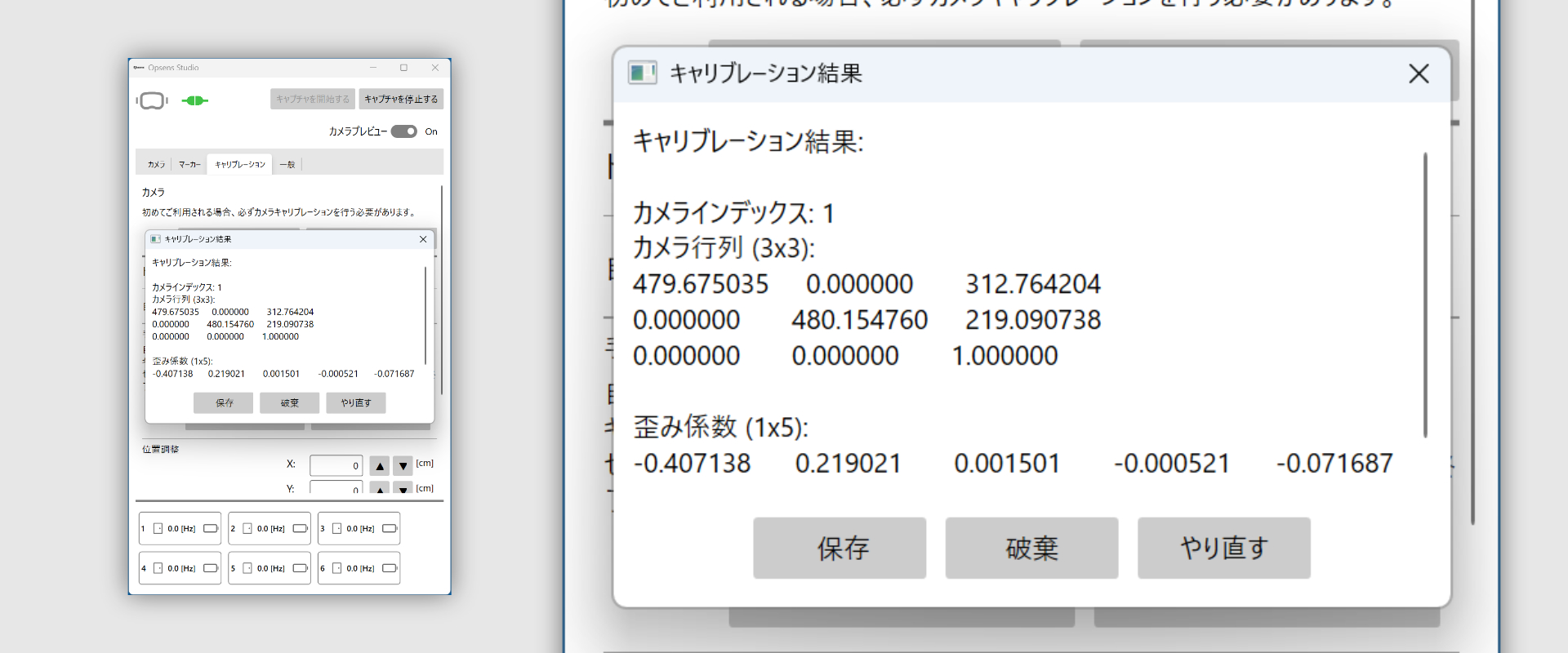
When the results dialog appears, click Save.
-
After calibration, verify that the displayed distance matches the real distance when the marker is shown to the camera.
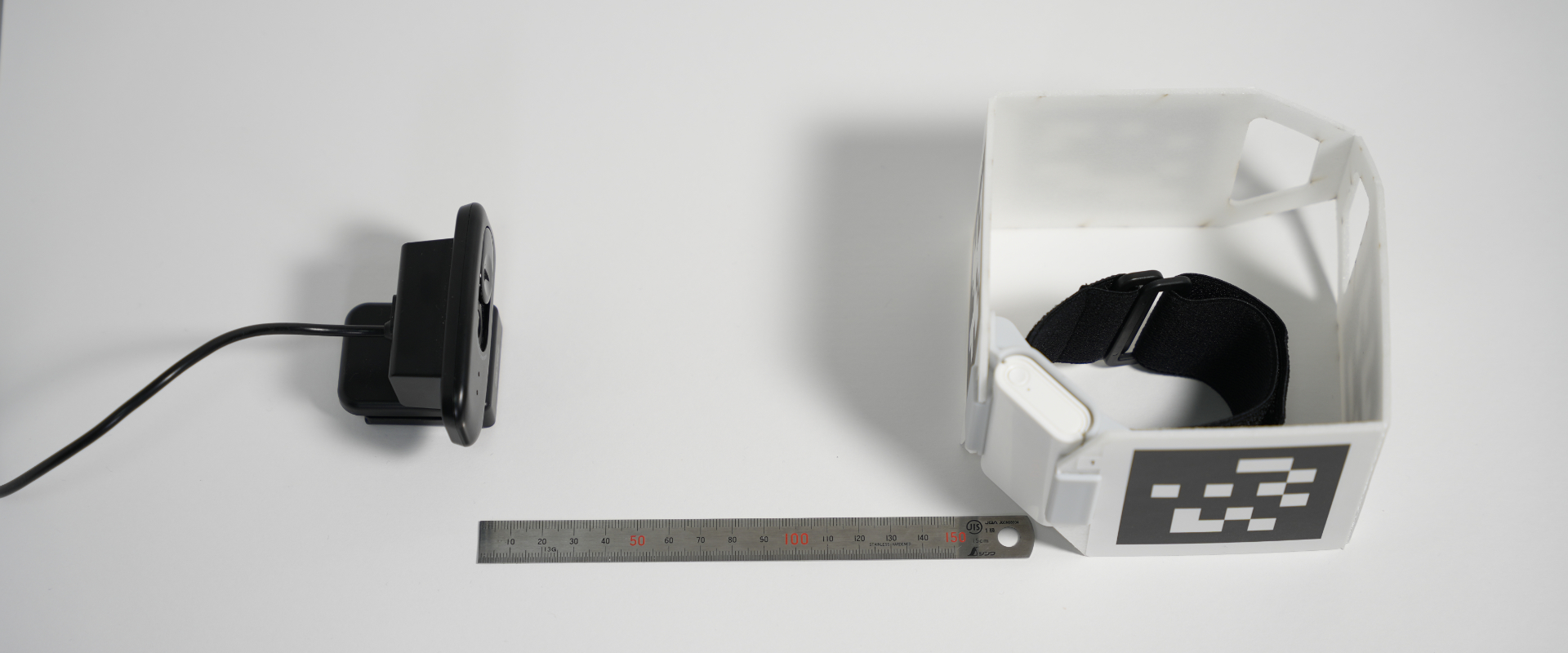
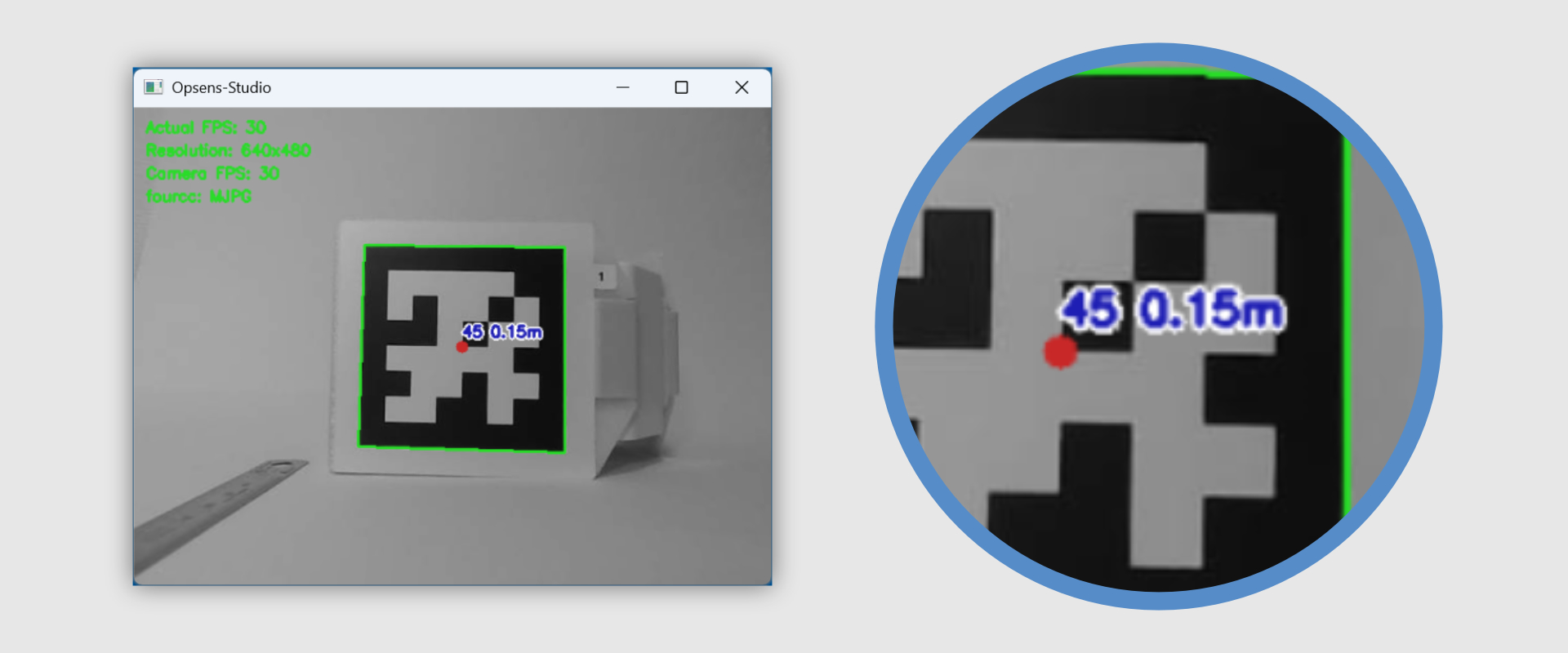
Example: A tag placed 15 cm from the camera should read 0.15 m.(45 is april Tag number.)